
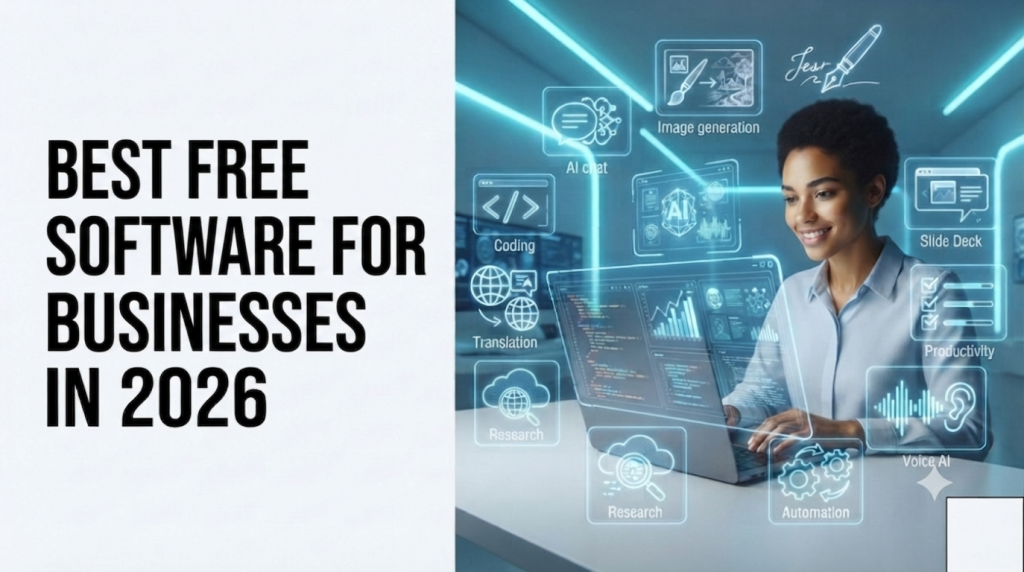
Running Vixzas taught me something early on: you don’t need a big software budget to look and operate like a serious business. You need the right free tools, used properly, before you ever start paying for anything. A lot of small business owners assume “free” means “limited and clunky” — some tools are exactly that, but a few genuinely hold up even as you grow.I went through what my own team actually uses (and a few we tested and dropped), plus what’s currently rated well by small business owners, to put together a list that covers the core things every business needs: accounting, communication, CRM, project management, and marketing.
Accounting: Wave or Akaunting
Wave has been a go-to for freelancers and small service businesses for years, mainly because of its unlimited invoicing and mobile receipt scanning. One thing worth knowing before you commit: Wave changed its structure in mid-2026, moving multi-user access and automatic bank feed imports behind a paid plan. If you’re a solo operator, the free Starter tier still covers what you need. If you’ve got a small team that needs shared access, you’ll hit that wall faster than expected.
If you want something with no strings attached long-term, Akaunting is fully open-source. You get invoicing, expense tracking, cash-flow management, and even multi-currency support without a paywall waiting around the corner. The tradeoff is that it’s self-hosted, so you’ll need a bit more technical comfort to set it up — not ideal if you want to click a button and go, but genuinely unrestricted once it’s running.
CRM: HubSpot
For managing leads, tracking deals, and keeping sales and marketing on the same page, HubSpot’s free CRM tier is hard to beat. It handles enough real functionality — deal tracking, basic email sends, campaign performance — that most small businesses can run on it for a long stretch before feeling boxed in. If you’re just getting your first client pipeline organized, this is where I’d start.
Communication: Slack
Once you have even two or three people working together, email threads stop cutting it. Slack solves that without costing anything at small scale — channels for different topics, direct messages, file sharing, and voice calls all in one place. It’s simple enough that you won’t need to train anyone on how to use it.
Project Management: Asana
Asana’s free plan supports up to 15 users, which covers most small teams comfortably. Tasks, deadlines, and who’s responsible for what all live in one shared view instead of scattered across chat messages and memory. The bigger value here isn’t the tool itself — it’s that having any shared system beats the “I thought you were handling that” conversations that happen without one.
Marketing: Mailchimp and Canva
Mailchimp remains one of the easiest ways to run email campaigns without needing a developer or a design background — templates, basic automation, and audience segmentation are all available on the free tier. Pair it with Canva, which handles the visual side (social posts, banners, email graphics) through simple drag-and-drop design rather than anything resembling professional design software. Neither tool alone is enough for serious marketing at scale, but together they cover most of what a small business needs in year one.
Google Workspace (with Gemini)
If your business already runs on Gmail and Google Docs, it’s worth knowing Google now bundles Gemini directly into Workspace — meaning AI assistance for writing emails, summarizing documents, and organizing sheets is built into tools you’re probably already using, rather than being a separate subscription.
How I’d Actually Roll These Out
If I were starting from zero again, here’s the order I’d set things up in:
- Wave or Akaunting first — get your finances tracked from day one, not six months in when it’s a mess to untangle.
- HubSpot as soon as you have your first few leads worth tracking.
- Slack the moment you bring on a second person.
- Asana once you have more than two or three ongoing tasks at once.
- Mailchimp + Canva when you’re ready to actually market, not just operate
A Word of Caution on “Free”
Every tool on this list is free at a meaningful, usable level — not a crippled trial dressed up as a free plan. But “free” always has a ceiling somewhere, whether that’s user limits, feature caps, or (like Wave) a structural change down the line. Know where that ceiling is before you build your whole workflow around a tool, so upgrading later is a choice you make on your terms, not one forced on you by a surprise paywall.
Final Thoughts
You don’t need to adopt all five categories on day one. Start with whichever pain point is loudest right now — usually accounting or communication — get comfortable, then add the next piece once it’s actually needed. That’s how most small businesses actually grow into a software stack, rather than trying to set everything up perfectly before doing any real work.